


Plastic Card Optional Extras
Almost every card we print carries at least one optional extra. They are what turn a printed card into a working one — something that scans at a door, verifies a member, holds a code, or simply looks more expensive than it cost.
All of the following can be added at the time of order, and most can be combined. If you are adding more than one to the same side of a card, plan the layout early: a CR80 card back fills up quickly once a magnetic strip, a signature panel and a barcode are all competing for it.
Signature Strips & Write-On Panels
- Use
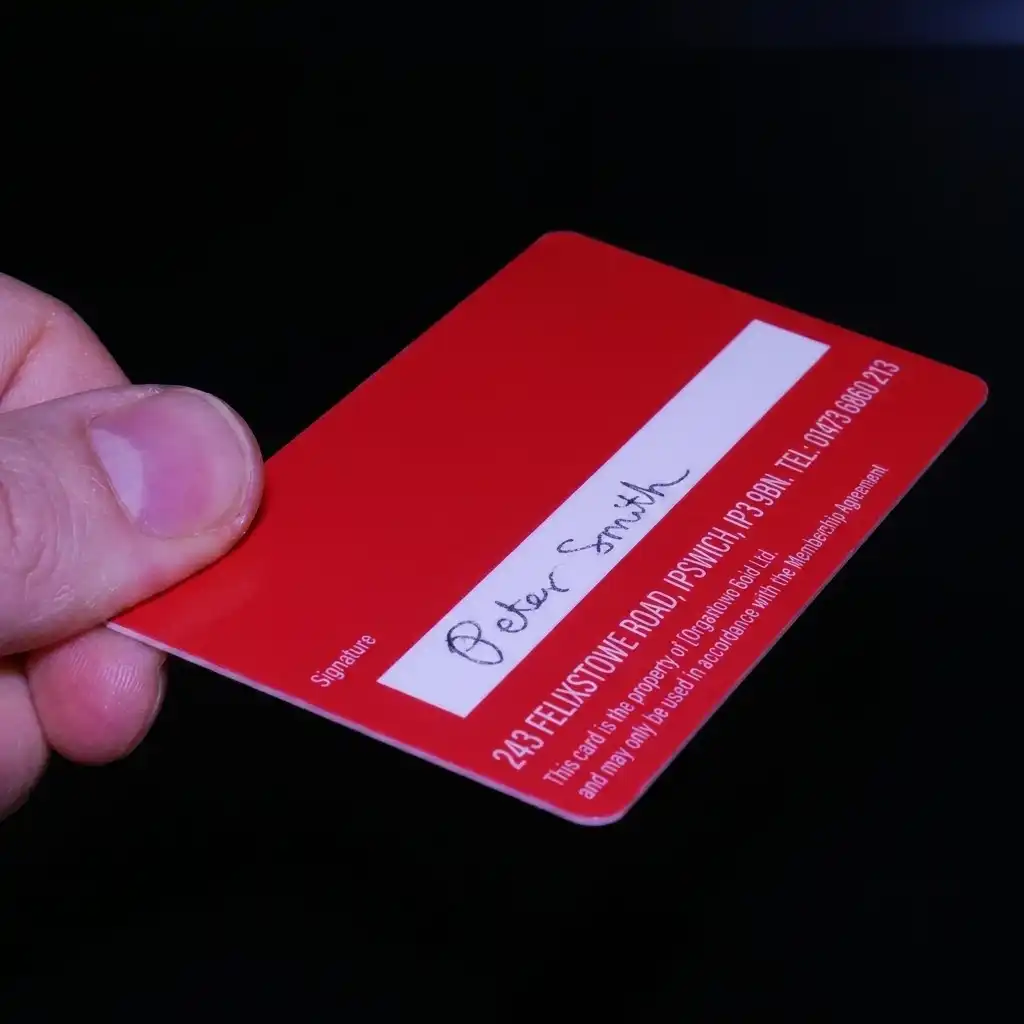
- A panel that takes an ordinary pen, so the card can be written on after it is printed — a signature, a name, an expiry date. A signed card can be checked against a specimen signature you hold on file, and once signed no two cards are identical, which makes it the cheapest form of verification we offer.
- Positioning
- Anywhere on the card, provided the panel stops at least 4mm from the edge.
- Size
- Any size is available. A typical signature strip is 75mm x 8mm.
- Wording
- We cannot print onto the strip itself, because it sits on top of the card surface. Wording such as "Signature" or "Name" can be printed above, below or beside it.
- Number of strips
- One or several, on one or both sides. Many organisations use two — one to sign, one to carry an expiry date or membership tier.
Top tip Put the strip on a white background. On a coloured background the panel picks up the colour behind it instead of staying a crisp white.
Sequential Numbering
- Use
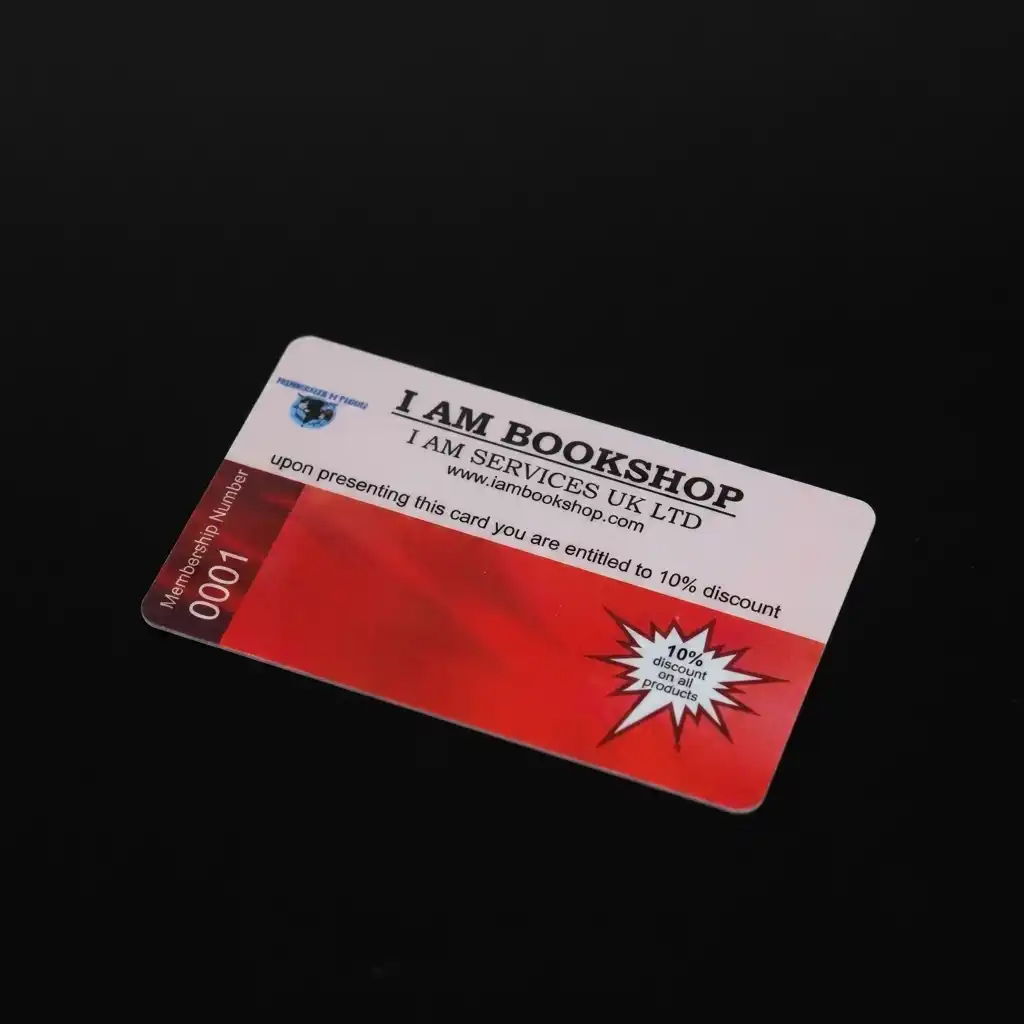
- For when a card needs to be tracked, when a number is simply required, or to give a membership scheme a more professional look. It is the most straightforward way to assign membership numbers — the next card in the box becomes the next member.
- Positioning
- Anywhere on the card.
- Size
- Any size you require.
- Font
- Normally Times New Roman or Arial.
- Start number
- Specify a start number — numbering from 001, say, incrementing to 002, 003 and so on — or supply an Excel document containing the exact numbers you want.
- Colour
- Any CMYK colour. We can match the numbering to a colour in your logo so it reads as part of the design rather than an addition to it.
Top tip A small organisation wanting to appear larger can start the numbering at 10001. Or hold card number 1 back for someone who will appreciate it.
Personalisation & Variable Data
- Use
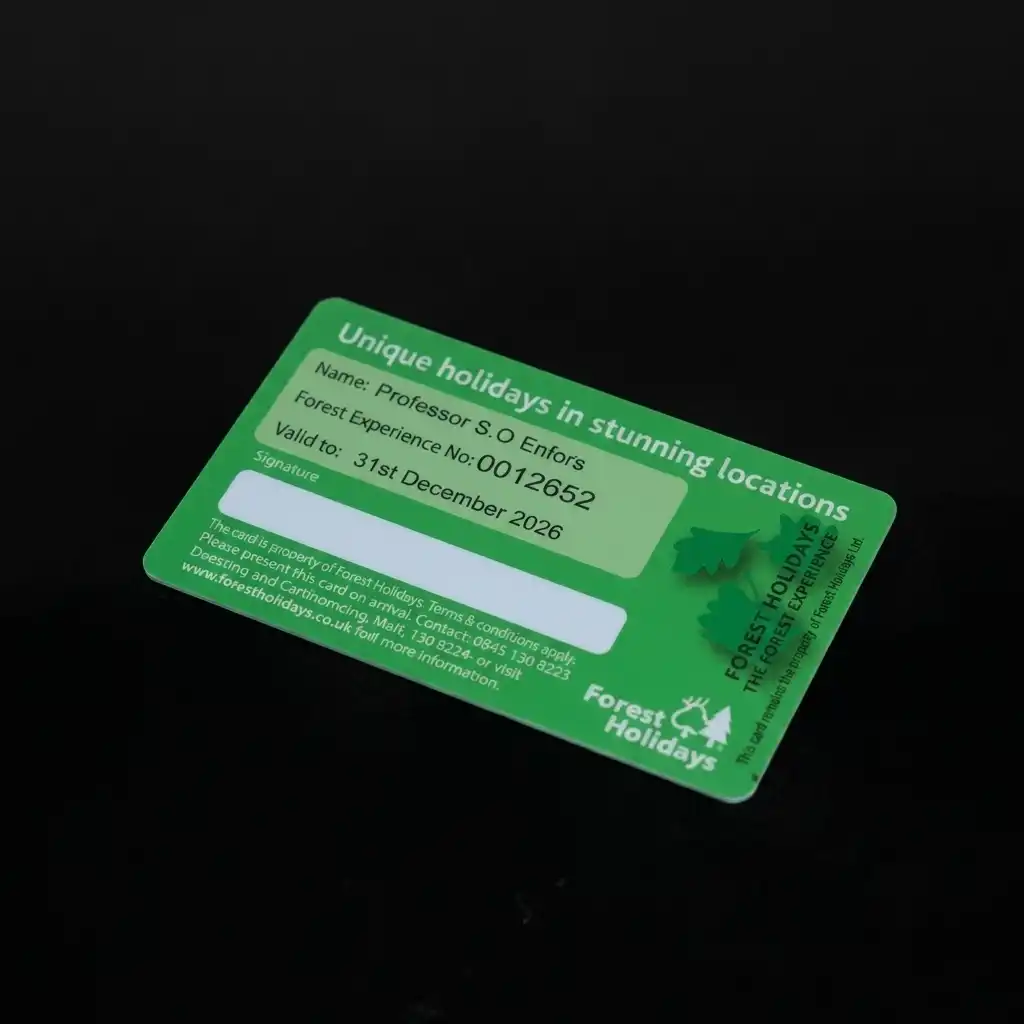
- When a member's name, an expiry date, a membership tier or any other information needs to be different on every card. Each card is individually printed with its own details as part of one production run.
- Positioning
- Anywhere on the card.
- Size
- Any size you require.
- Font
- Normally Arial or Times New Roman.
- Supplying details
- Supply them in an Excel document containing only the details that are to be printed on the cards — nothing else. Keep the text fields concise: a long name or a wordy membership description still has to fit the space on the card.
- Colour
- Any CMYK colour, and it can be matched to a colour in your logo.
Top tip If you do not know all the details when the order is placed — members who have not joined yet, for instance — our bureau personalisation service is the better fit. We hold your printed cards and personalise them as each new member signs up.
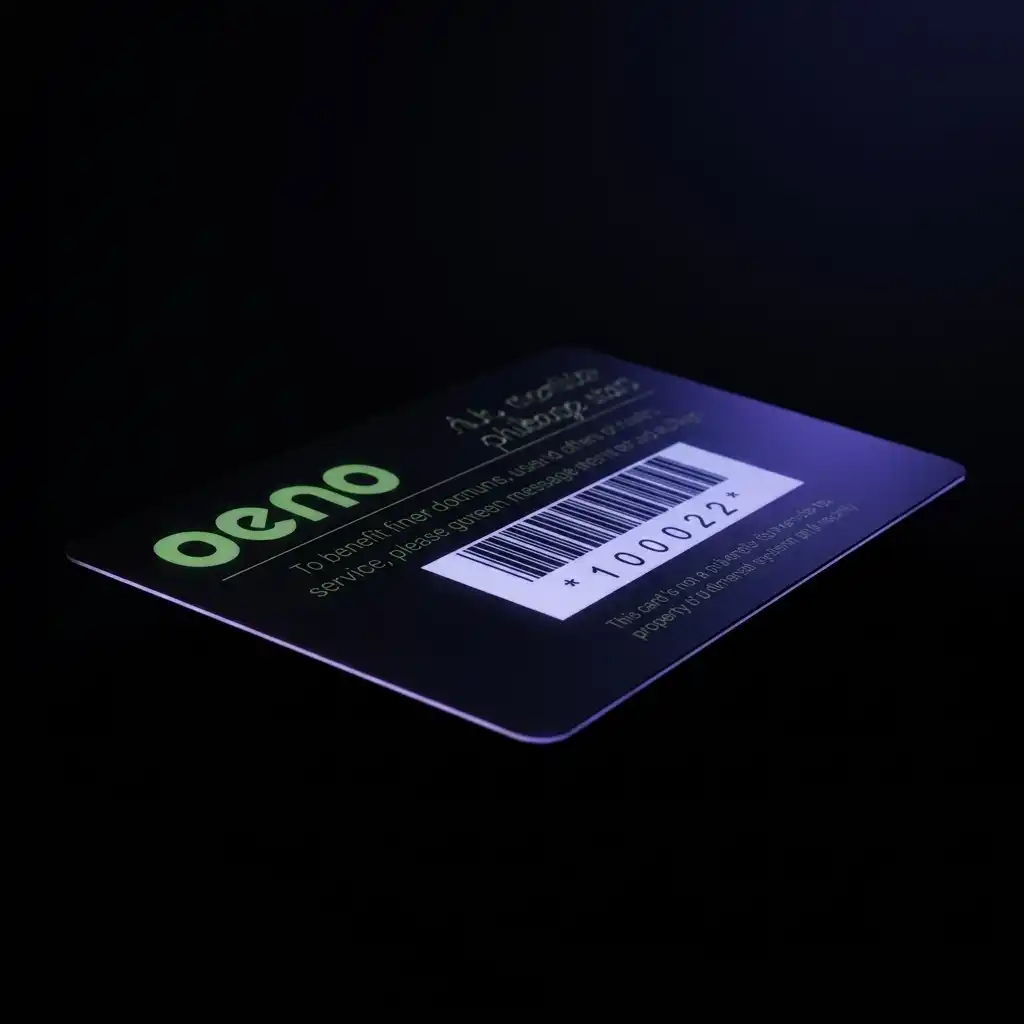
Barcodes
- Use
- Barcodes are used on membership and loyalty systems to record data. The barcode number is linked to a customer, which lets an operator pull up their details, add points to their account, or record a visit.
- Positioning
- Anywhere on the card.
- Size
- Any size you require.
- Type
- Code39 is the most popular — also known as 3 of 9. Code128 and EAN5 are also available. If you are unsure, ask your point of sale provider which format their system expects.
- Numbering
- Specify a start number for sequential numbering, or supply an Excel document. Barcodes can contain letters as well as numbers.
- Colour
- Black parallel lines.
Top tip Place the barcode within a white box so the scanner can read it reliably, and consider adding a human-readable version of the number underneath so it can be typed in if a scanner is unavailable.
Barcodes are printed under the card surface, so they cannot rub away — which matters on season tickets and anything else that gets handled daily.
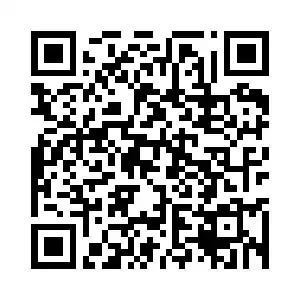
QR Codes
- Use
- Most people put a website inside the QR code, so scanning it takes the user straight there. It can equally hold an email address or telephone number. A QR code holds far more data than a standard barcode, though it works just as well for a simple membership number.
- Positioning
- Anywhere on the card.
- Size
- The QR code has to be square. We recommend a minimum of 15mm.
- Content
- Numbers and / or letters.
- Unique codes
- A different code on every card is possible — a different number (sequential or otherwise) or a different website address on each card. Supply the details in an Excel document.
Top tip If every card carries the same QR code, build it into your artwork and there is no additional cost.
Worth knowing: some smartphones struggle with QR codes, usually because of a low quality or fixed-focus camera. We cannot test every handset, so print your email proof at actual size to check it, and test the postal proof properly before the full run goes ahead.

Magnetic Strips
- Use
- A magnetic strip traditionally holds a unique number which, when swiped, triggers a back office system to bring up the member or customer details. An alternative to a barcode, and popular with organisations that already have swipe hardware in place.
- Encoding
- We can encode the strips for you, or leave them blank so you can encode them yourself with suitable equipment.
- Tracks
- The strip has three sections, known as tracks, and we can encode one or several. As a general rule: track 1 holds letters and numbers up to 78 characters, track 2 numbers up to 37 characters, and track 3 numbers up to 103 characters.
- Positioning
- On the reverse, 3mm down from the top edge.
- Size
- 13mm x 86mm.
- HICO or LOCO
- Coercivity defines how strong the magnetic field is and how well the data resists damage. We recommend HICO as it is far more durable — but check it is compatible with your system first. HICO strips are generally black, LOCO brown.
- Supplying data
- Specify a start number for sequential encoding, or supply an Excel document.
- Card thickness
- Cards with magnetic strips must be 760 microns thick.
Top tip Not sure whether you need one? A magnetic strip future-proofs a membership system, and even unused it makes a card look more professional.
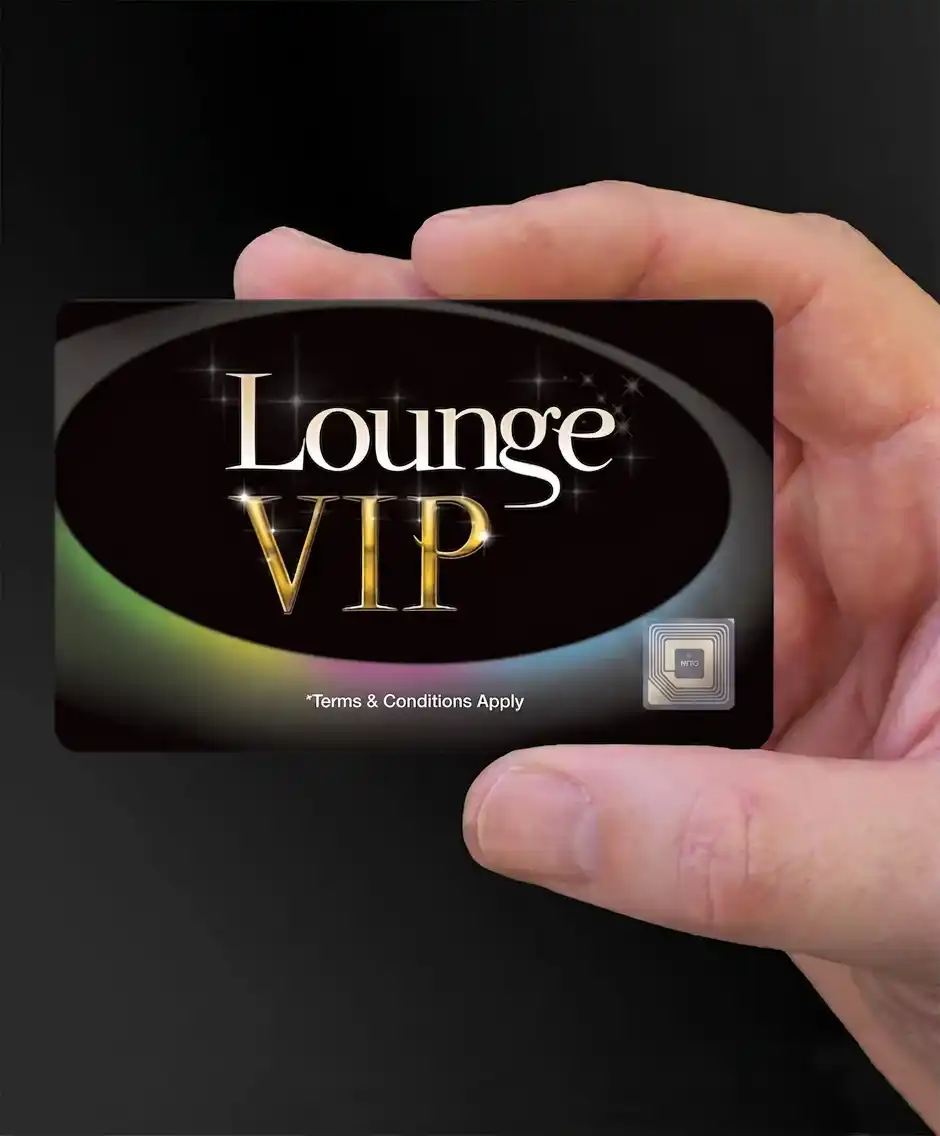
RFID Smart Cards
- Use
- For use with RFID proximity readers — the card is presented to a reader rather than swiped or scanned, so there is no contact and nothing to wear out.
- Positioning
- The RFID chip is integrated within the core of the card, so it is invisible from the outside and the full printable area stays available for your design.
- Capacity
- RFID tags come in two memory sizes, 1K or 4K.
- Data
- We supply Mifare or Fudan RFID cards unencoded. We do not supply them encoded, so you will need to write your own data to them — worth knowing early, because it is the opposite of how we handle magnetic strips.
Top tip Most of our customers choose Fudan over Mifare to keep the cost down. The choice is yours.
More about our RFID smart cards What is an RFID card? RFID vs NFC
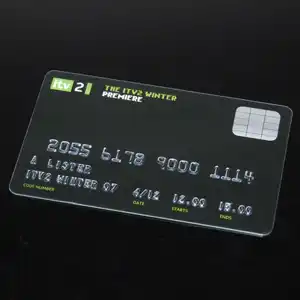
Embossing
- Use
- Raised words and / or numbers, exactly as on a credit card. Embossing gives a card a tactile, premium feel that printing alone cannot.
- Positioning
- On one side, in the bottom half of the card.
- Size
- Two character heights — 5mm and 3mm.
- Maximum characters
- 22 characters on one line at 5mm, 27 at 3mm, including spaces.
- Numbering
- Specify a start number for sequential embossing, or supply an Excel document with the details to be embossed.
- Colour
- Black, metallic silver or metallic gold.
- Card thickness
- Embossing is not available on 420 micron cards.
Top tip Be careful where you place it — the printing on the back of the card is distorted by the embossing pushing through.
Metallic Foiling
- Use
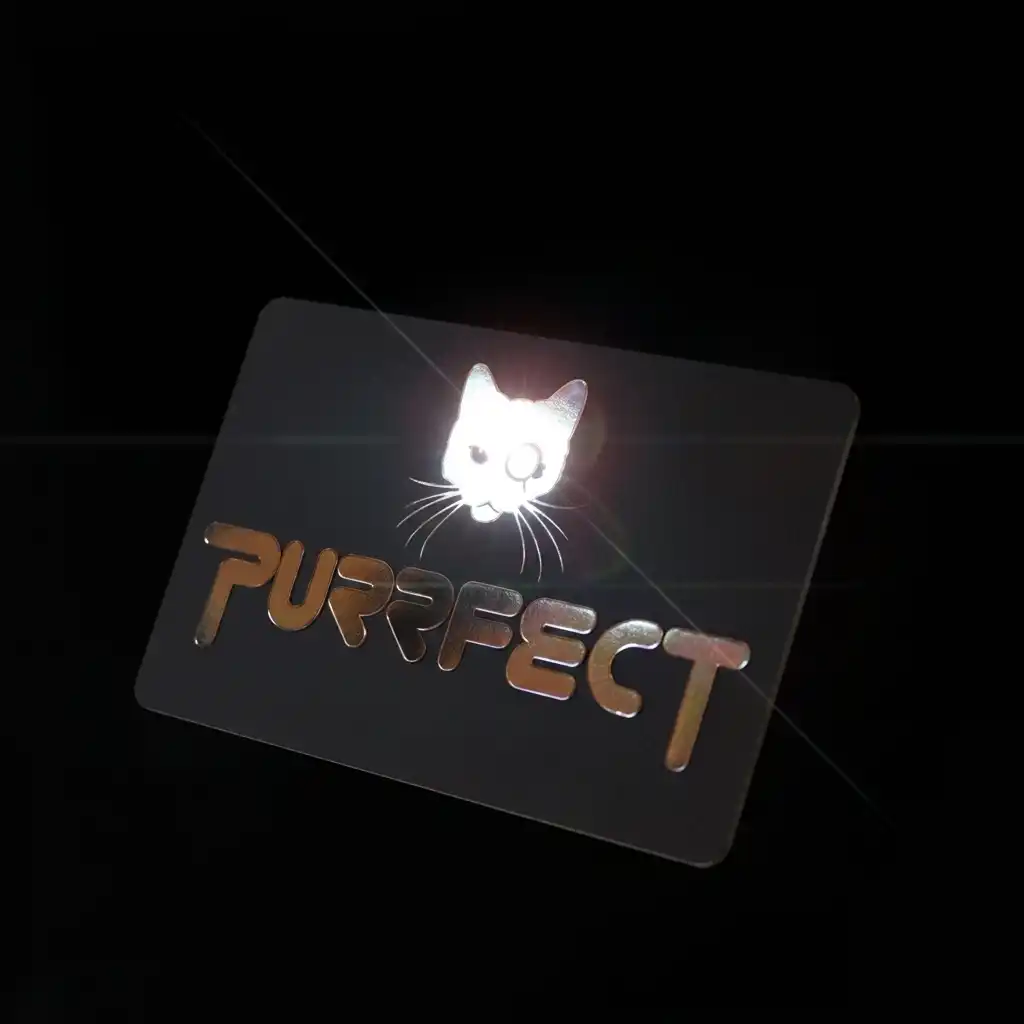
- Foil applied under heat and pressure so that one element of the design stands out from everything around it — most often a logo, but equally a word or a membership tier. Print "MEMBER" in standard ink for a standard card and "VIP" in gold foil for the tier above, and the difference reads across a room.
- Colours
- A range of metallic colours, including luxury metallic gold and classic metallic silver.
- Positioning
- Anywhere on the card, on one or both sides.
- Artwork
- Simple line art — clean solid shapes with hard edges. Foil lays down as flat solid colour, so gradients, halftones and photographs will not reproduce, and fine detail tends to fill in and lose definition.
Top tip Foiling can be used to give the impression of a security mark, which helps deter cards from being replicated.
Foiling is applied by the same hot foil process we use to print our frosted, satin black and metallic card ranges.
Metallic Base Cards
- Use
- Rather than foiling one element on a white card, the whole card starts as metallic. Used where a luxury finish is wanted, or to tell membership levels apart at a glance — and a common choice for gift cards, where the card itself is part of the perceived value.
- Colours
- Luxury metallic gold or classic metallic silver.
- Positioning
- The metallic base covers the whole surface, on one or both sides of the card.
- Printing
- Any CMYK colour can be printed onto a metallic base card. White text and white images are not possible — there is no white base card underneath to show through, which is the one thing to design around.
Top tip The metallic silver base makes an excellent platinum membership card, and even a simple design looks exceptional on metallic gold.
Scratch-Off Panels
- Use
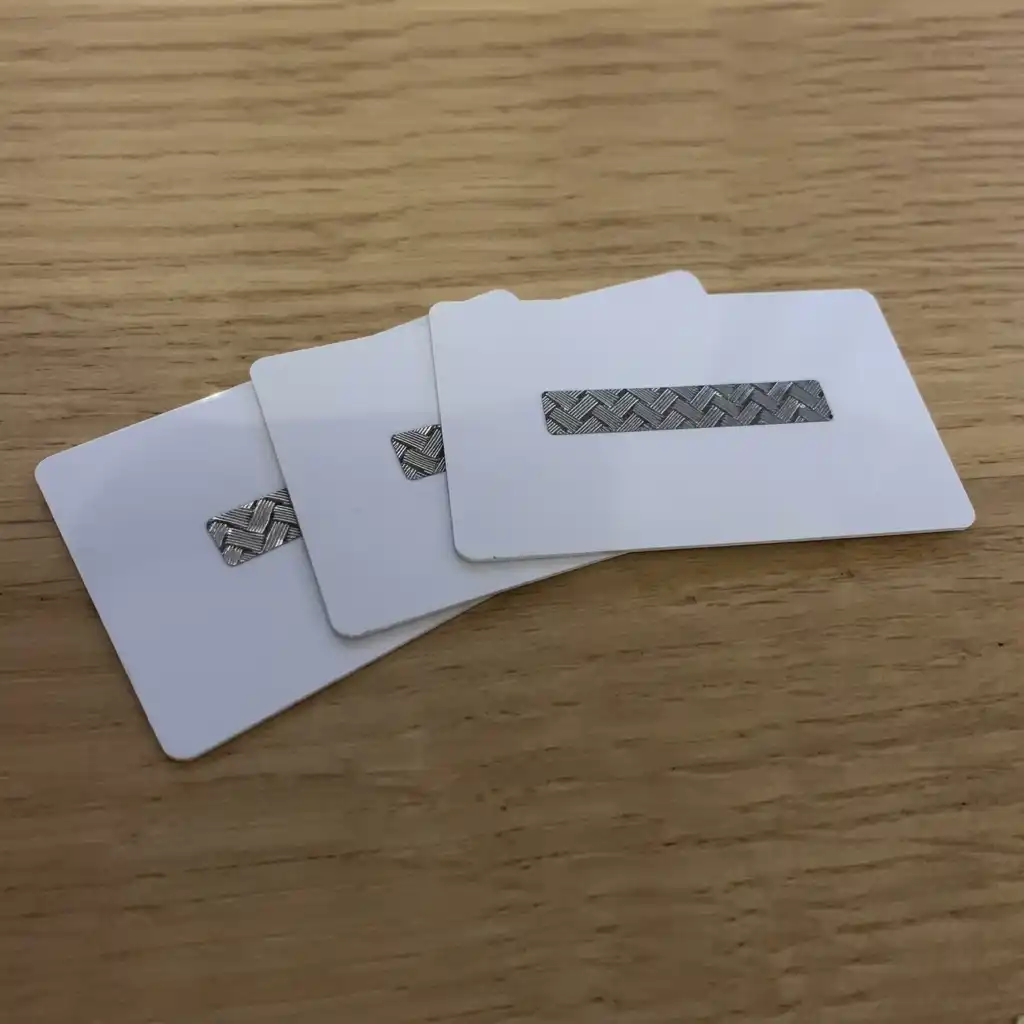
- Conceals a number or code, revealed when the panel is scratched off. Most common on gift and promotional cards, but equally useful anywhere a code needs to stay hidden until the card reaches the right person.
- Positioning
- Anywhere, provided the panel stops at least 4mm from the edge of the card.
- Size
- Most sizes are available. A typical panel is 8mm x 75mm.
- Wording
- Nothing can be printed on the panel itself. The wording underneath it — usually supplied in an Excel file, so it differs card to card — is what gets revealed.
- Number of panels
- One or several per card.
Top tip A strong promotional gimmick, particularly on cards handed out at exhibitions.

Photoseals
- Use
- Attaches a passport-sized photograph to the card for quick visual identification — useful where you do not have access control software, or where someone has to be identified at a door.
- Size
- Covers one side of the card.
- Attachment
- They are straightforward to attach yourself, and there is a short video showing how. We can also attach them for you if you would rather.
Top tip Partially attach the photoseal before a new member arrives, so joining takes seconds rather than minutes.

Holes & Slots
- Use
- Lets a card hang from a lanyard, clip to clothing or attach to a product or sales item. Popular with sports clubs and event organisers, where the card needs to stay visible throughout an activity.
- Positioning
- Holes are punched 6mm in from the edge. Slots are usually centred on one of the edges.
- Size
- Holes are 5mm in diameter. Slots are 15mm x 3mm.
Top tip Work the hole into the design rather than around it — the best ones look deliberate instead of punched.
Combining Optional Extras
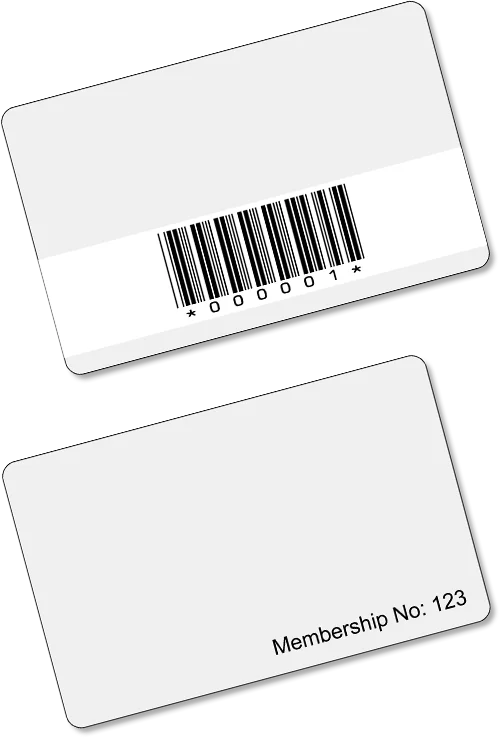
Most of these can be combined on the same card — a barcode and a signature strip, or a magnetic strip and embossed numbering, are everyday pairings for us.
Two things decide what is possible: space and thickness. A magnetic strip, a signature panel and a barcode all want the back of the card, and magnetic strips need 760 micron stock while embossing rules out 420 micron. Tell us what the card has to do and we will tell you what will fit.
Every full colour order gets a free photorealistic email proof, and then an actual printed card posted to you — complete with its extras — so you can test that barcodes scan and encoded data reads on your own hardware before the full run is printed.
See our full colour plastic cards for specifications, prices and finishes, or browse the full range of card types.